> ## Documentation Index
> Fetch the complete documentation index at: https://guide.garde.app/llms.txt
> Use this file to discover all available pages before exploring further.
# QuickBooks Online
> Connect and sync QuickBooks Online for accounting automations.
Learn more about connecting QuickBooks Online for accounting automations.
### Connect Your QBO Account
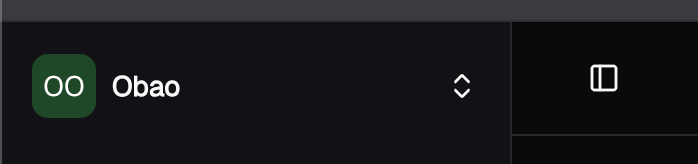
Select the chain you would like to connect your QBO account for in your sidebar:
 On your top navbar, click the Settings icon.
From there, go to the **Connected Data** page and click **Manage** for **QuickBooks:**
On your top navbar, click the Settings icon.
From there, go to the **Connected Data** page and click **Manage** for **QuickBooks:**
 Afterwards, click **Connect** and follow the instructions.
### Syncing Chart of Accounts, Vendors, Etc.
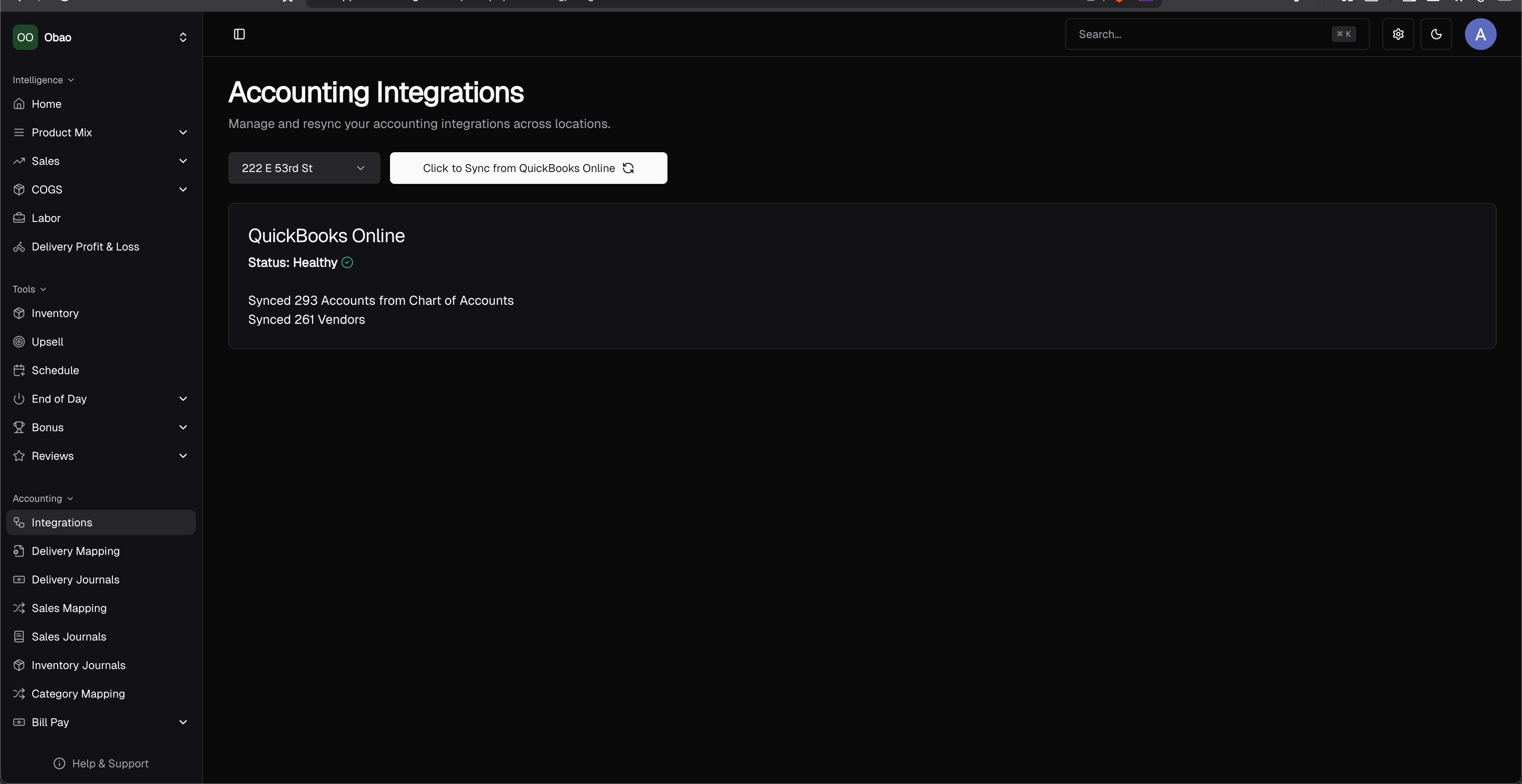
If you want to resync your QBO data, click **Integrations** on the side navigation bar and then click the **Click to Sync from QuickBooks Online.** This may take 3-10s to sync your QBO data.
Afterwards, click **Connect** and follow the instructions.
### Syncing Chart of Accounts, Vendors, Etc.
If you want to resync your QBO data, click **Integrations** on the side navigation bar and then click the **Click to Sync from QuickBooks Online.** This may take 3-10s to sync your QBO data.