> ## Documentation Index
> Fetch the complete documentation index at: https://guide.garde.app/llms.txt
> Use this file to discover all available pages before exploring further.
# The Garde app
> Put schedules, counts, waste logs, and pay on a staff phone.
Garde is the staff app. The dashboard is for the office; Garde is for the floor — and for the four habits that live or die on the floor, the phone is the better tool: **scan the invoice at the door, count the walk-in, log waste at close, place the order from the shelf you're staring at**.
Use it to:
* Photograph invoices the minute a delivery lands.
* Count stock in the walk-in, even with no signal.
* Log waste from a preset list, or file adjustments and transfers.
* Run opening and closing checklists, with manager sign-off.
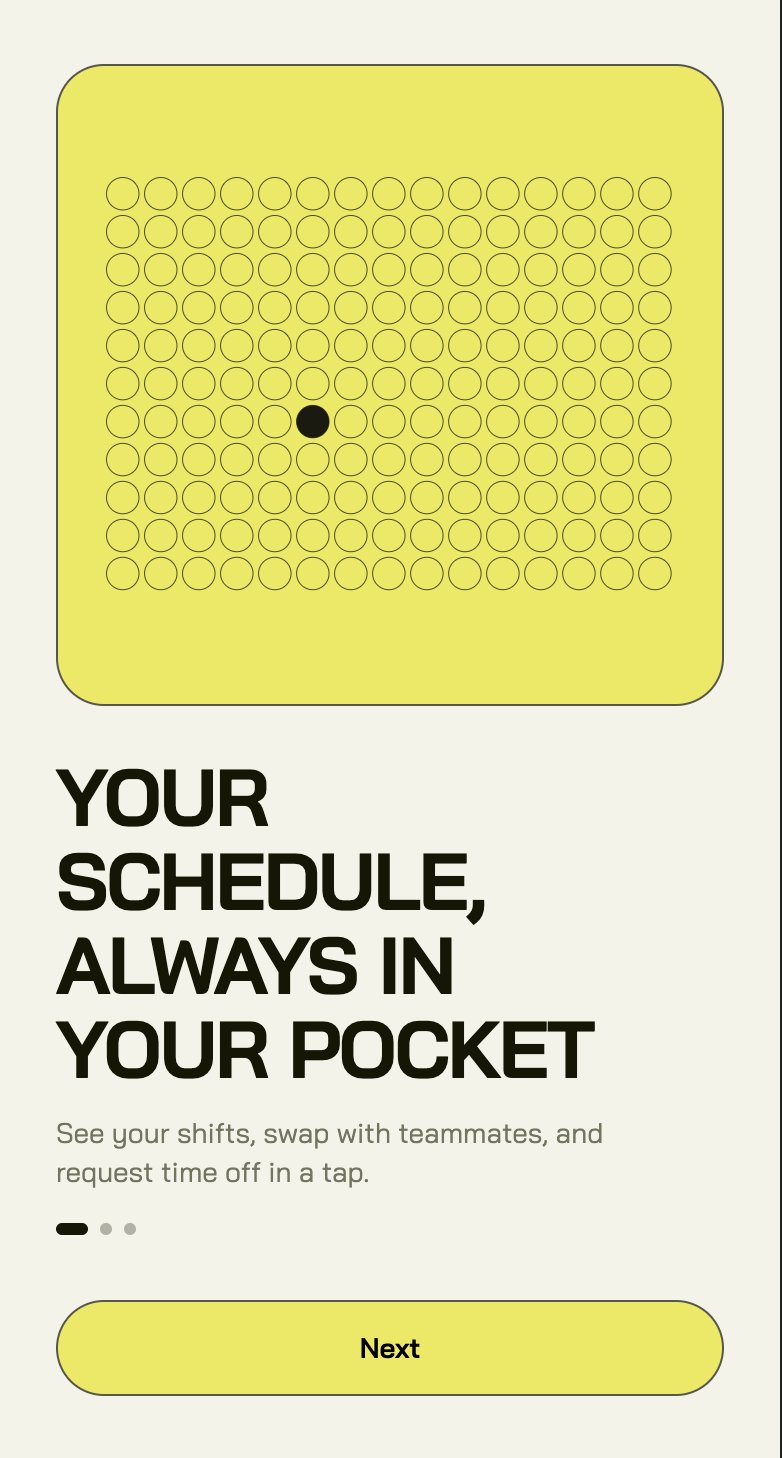
* Check shifts, swap them, and request time off.
* See pay stubs and tax documents without asking the office.
 ## Find your way around
Four bottom tabs:
* **Inventory**: six cards — **Invoice Upload**, **Orders**, **Count Sheets**, **Adjustments** (waste, refunds & transfers), **Waste Log** (preset waste lists), and **Items** (browse and search your stock). See [Inventory on your phone](/mobile/inventory).
* **Schedule**: your shifts, availability, time off. Payroll lives here too.
* **Checklists**: the location's opening and closing routines. See [Checklists](/mobile/checklists).
* **Profile**: language, appearance, support, log out.
Work at more than one location? The location switcher sits in the top header. Everything in the app follows the location you've picked.
## Get your team on it
1. Add the employee in the dashboard first (managers do this on the **Employees** page — see [Invite your team](/get-started/invite-your-team)).
2. Have them download the app and sign in with the same work email.
3. New hires: finish payroll onboarding in the app on day one.
## Download it
On iPhone, search "Garde" in the App Store.
On Android, search "Garde" on Google Play.
## Find your way around
Four bottom tabs:
* **Inventory**: six cards — **Invoice Upload**, **Orders**, **Count Sheets**, **Adjustments** (waste, refunds & transfers), **Waste Log** (preset waste lists), and **Items** (browse and search your stock). See [Inventory on your phone](/mobile/inventory).
* **Schedule**: your shifts, availability, time off. Payroll lives here too.
* **Checklists**: the location's opening and closing routines. See [Checklists](/mobile/checklists).
* **Profile**: language, appearance, support, log out.
Work at more than one location? The location switcher sits in the top header. Everything in the app follows the location you've picked.
## Get your team on it
1. Add the employee in the dashboard first (managers do this on the **Employees** page — see [Invite your team](/get-started/invite-your-team)).
2. Have them download the app and sign in with the same work email.
3. New hires: finish payroll onboarding in the app on day one.
## Download it
On iPhone, search "Garde" in the App Store.
On Android, search "Garde" on Google Play.