

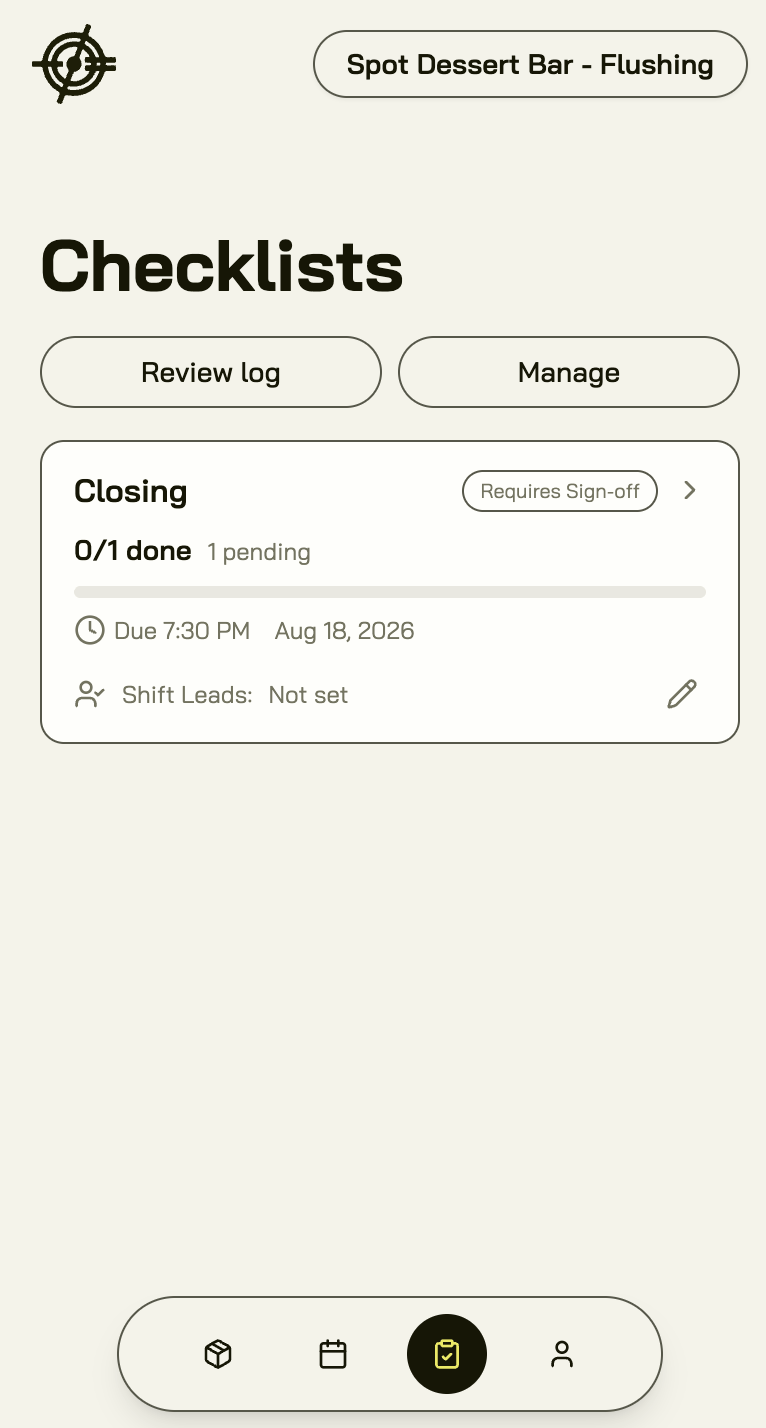
Run today’s checklist
- Open Checklists. Today’s routines are listed with their tasks, grouped in sections.
- Work through each task. How you complete one depends on how it was set up:
- Checkmark — check it off.
- Photo — attach a photo as proof (the closed walk-in, the clean fryer).
- Notes — write down what you found (temperatures, counts).
- Automatic — completes itself when the real work happens in Garde: when a count is completed, when waste is recorded, when a purchase order is approved, or when no invoices from the last 7 days need review.
- Tasks show who completed them and when.
Sign off the day
Routines can be marked Requires Sign-off: a shift lead or manager reviews the completed list and signs the day off. The Review Log keeps the trail — approved, pending, rejected, and skipped counts per day — so a missed close shows up as a fact, not an argument.Manage routines (managers)
Manage routines is where the routines are written:- New routine — name it, set which days it runs (M–Su), and whether it requires sign-off.
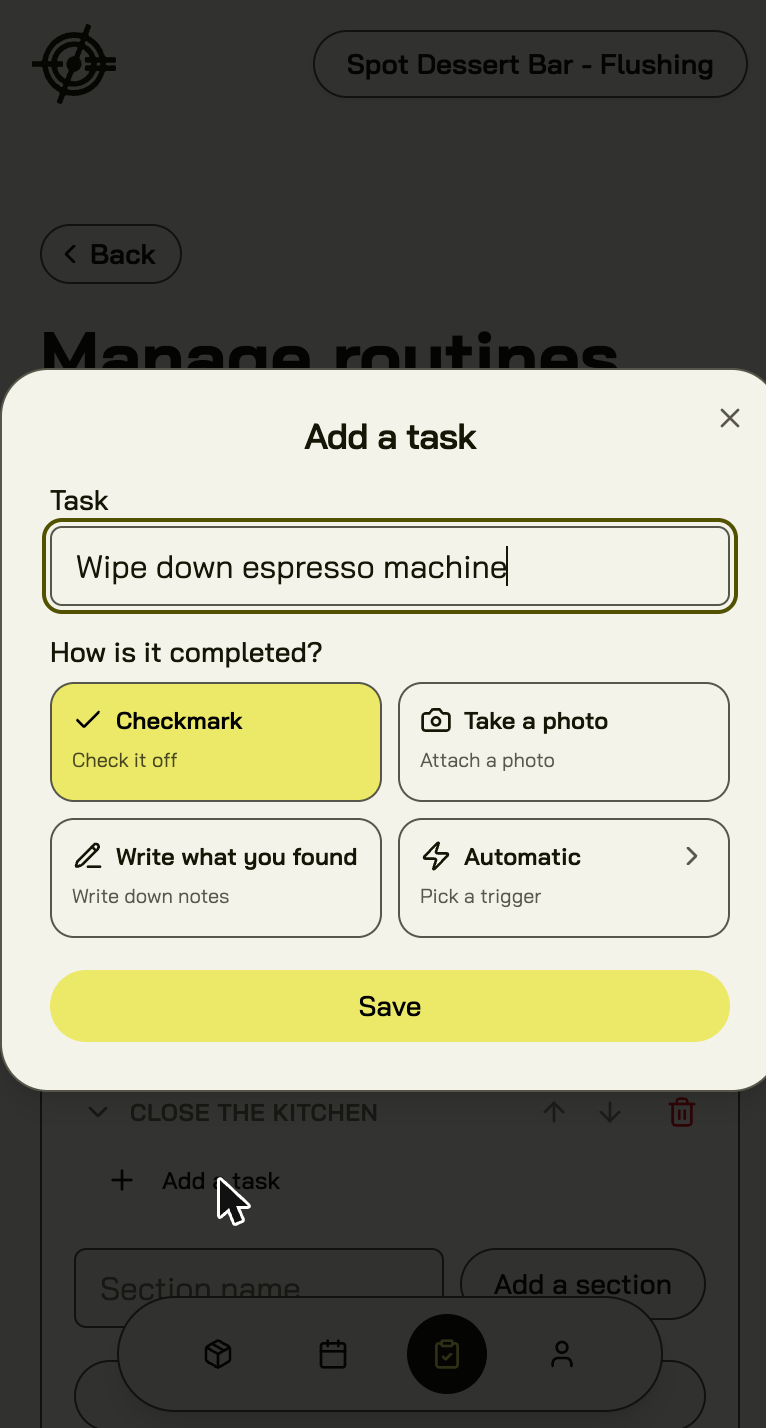
- Add a section and Add a task — structure the walk the way the shift actually flows.
- For each task, pick How is it completed? — checkmark, photo, notes, or an automatic trigger.
- Routines that no longer apply are retired, not deleted — history stays.
Checklists pair naturally with the daily routine: the closer’s checklist carries the waste log and invoice photos, and the manager’s morning check-in verifies the sign-offs.