

Ask real questions
Type the question the way you’d ask a sharp analyst:- “How did sales last week compare to the week before?”
- “Who drove overtime this week?”
- “What did my food cost look like last month?”
- “Which delivery channel grew the most this quarter?”
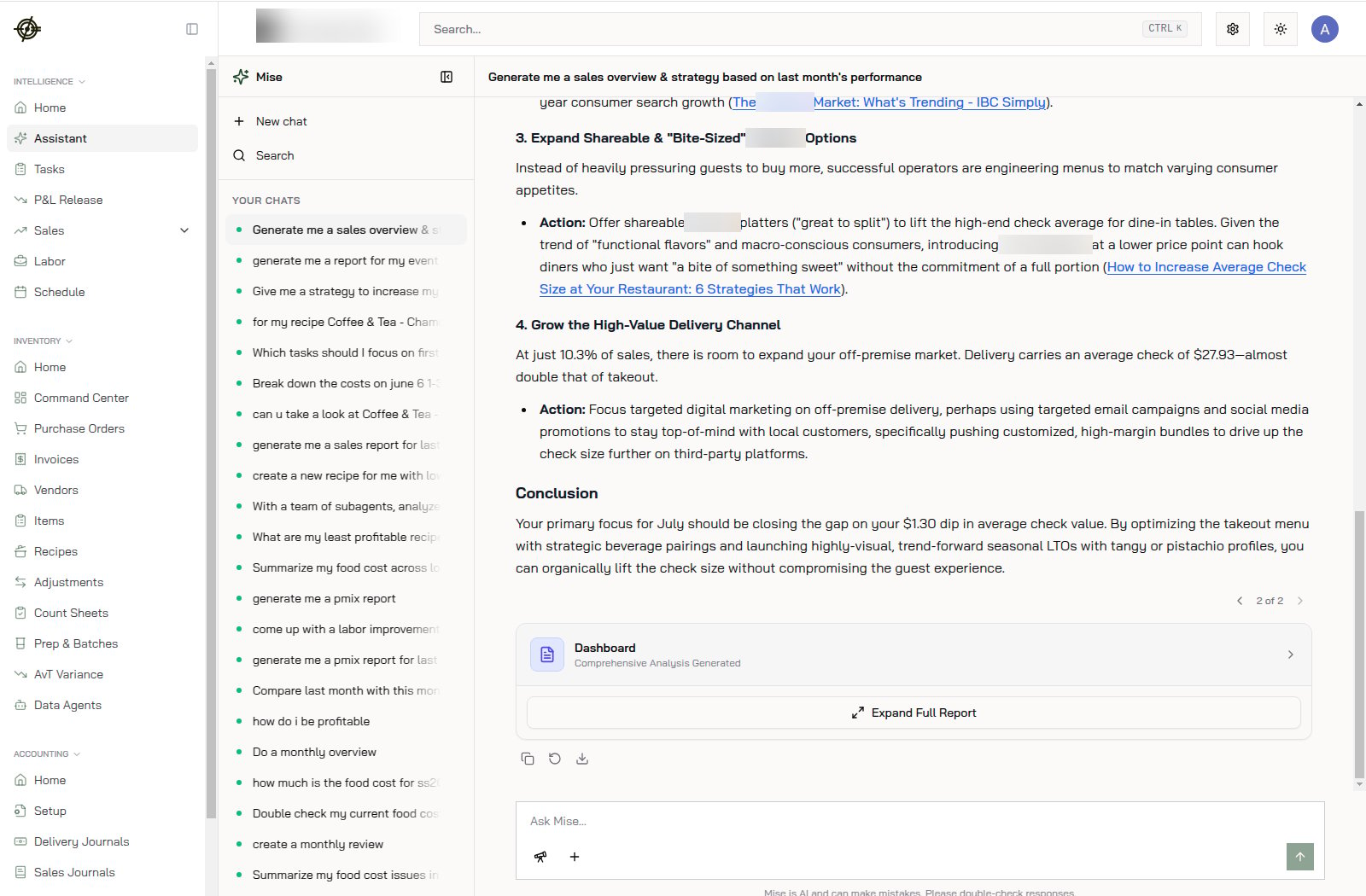
- “Generate me a sales overview & strategy based on last month’s performance.”
What it can do beyond answering
- Generate full reports: pmix reports, monthly overviews, cost breakdowns. Big answers come with an Expand Full Report card you can open and download.
- Analyze with sub-agents: ask it to break down a problem (“with a team of subagents, analyze my least profitable recipes”) and it splits the work.
- Recommend actions: strategies come with concrete steps and sourced references, not vibes.
- Remember context: past chats live in the left panel. Reopen one and keep going instead of re-explaining.
When to use it vs. the reports
- Assistant: one-off questions, quick comparisons, “why did X happen”, cross-page questions (sales and labor and food cost in one answer).
- Reports (Sales, Labor): recurring reviews and detail you’ll drill through yourself.
Know-how
- Be specific about the period: “June vs. May” beats “recently”. The tighter the question, the tighter the answer.
- Mise is AI and can make mistakes. Double-check any number before it goes into a decision that costs real money; the underlying reports are one click away.
- Ask follow-ups in the same chat. “Now break that down by location” works because it remembers what “that” is.