

Your account
Account holds your personal settings, including language (English and 中文).Manage who gets in
Member Management is where you invite, edit, and remove dashboard users. Full walkthrough: Invite your team.- Invite with a work email, pick a role, set locations.
- Smallest role that does the job. Upgrade later if needed.
- Offboard someone the same day they leave.
Connected data
Connected Data shows the external services wired into your chain, like QuickBooks and Gmail. Check here first when a sync looks broken: a disconnected integration looks exactly like missing data.- Reconnecting usually just means signing back into the service.
- After reconnecting, give it time to catch up before judging the numbers.
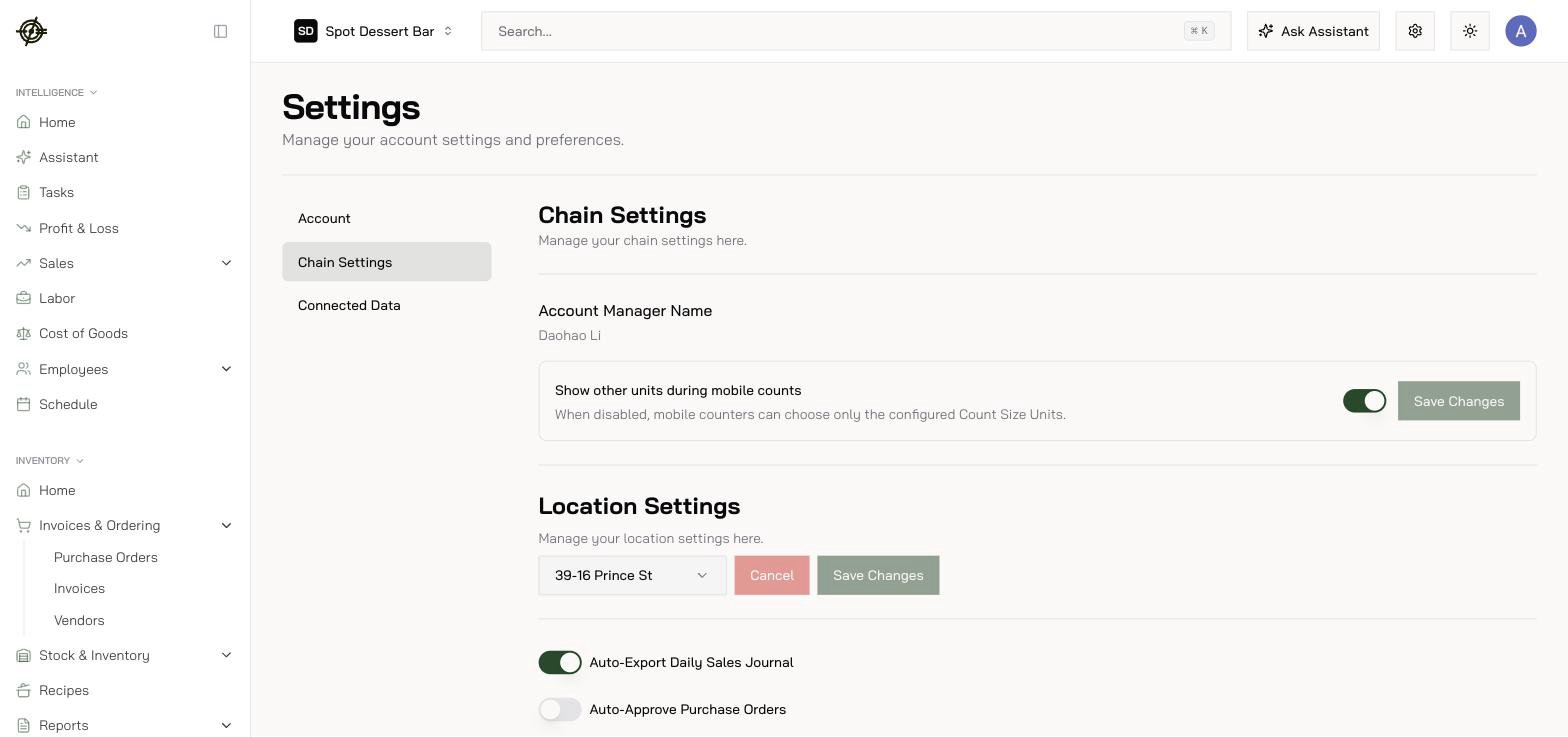
Chain settings
Chain Settings covers location and chain-level configuration. Owners and admins only; most users never need it. This is also where structural things like each location’s closeout hour live, which controls where a 1 AM sale lands on the daily close.Employee mappings
Employee Mappings keeps employees linked between the POS, scheduling, and payroll. One human, one identity, everywhere.- Check it after every hire and every POS-side change (a rename in Toast creates a “new” unmapped employee).
- Broken links here show up later as missing hours on the Labor page and wrong paychecks in Payroll. When those pages look wrong, come here first.