Learn more about connecting QuickBooks Online for accounting automations.

Connect Your QBO Account

Select the chain you would like to connect your QBO account for in your sidebar: Sidebar chain selector Chain selection expanded in the sidebar On your top navbar, click the Settings icon. From there, go to the Connected Data page and click Manage for QuickBooks: Connected Data settings page with Manage next to QuickBooks Afterwards, click Connect and follow the instructions.

Syncing Chart of Accounts, Vendors, Etc.

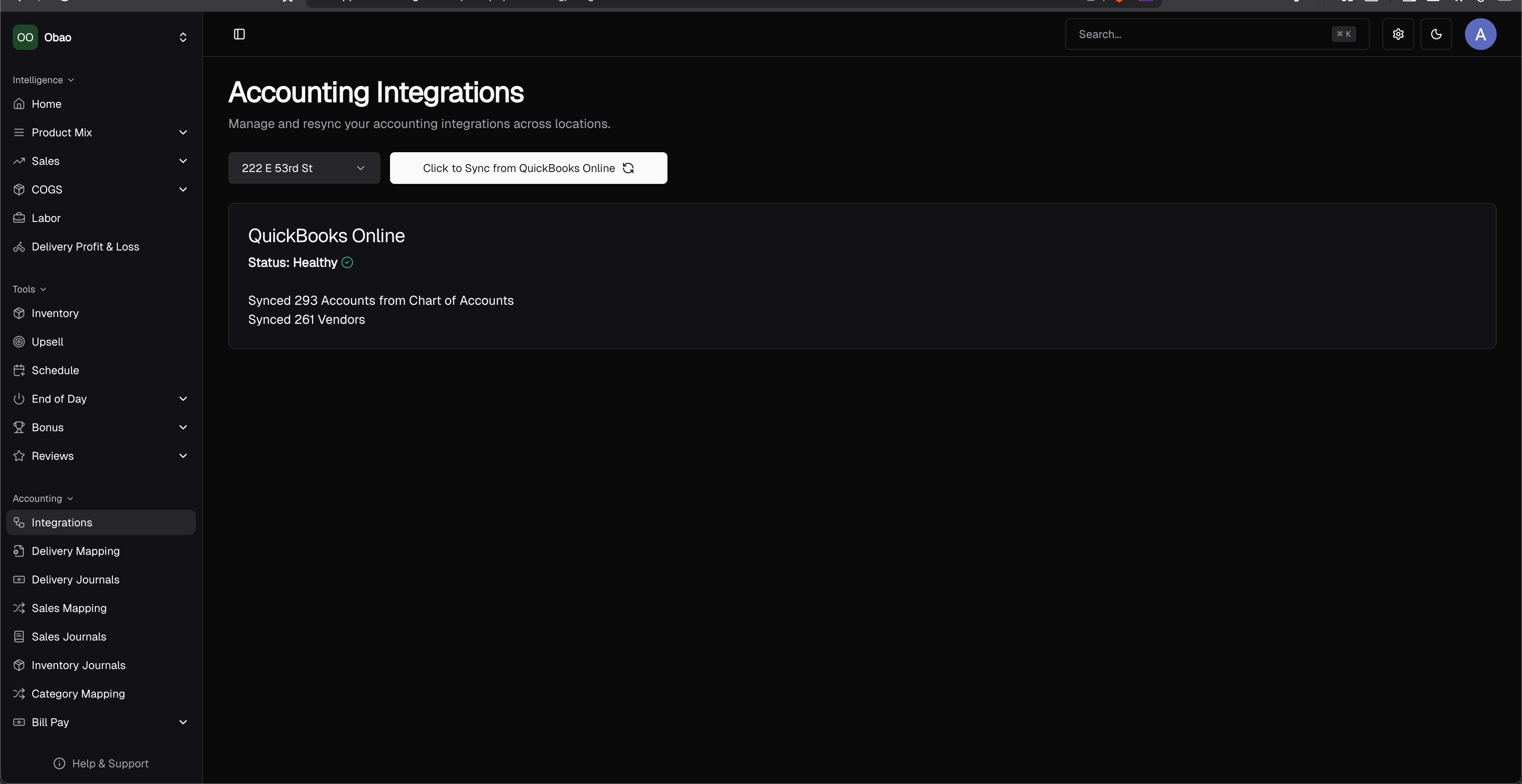
If you want to resync your QBO data, click Integrations on the side navigation bar and then click the Click to Sync from QuickBooks Online. This may take 3-10s to sync your QBO data. Integrations page with the Click to Sync from QuickBooks Online button