

Download the Deposit Report
Login into your merchant account and click Reports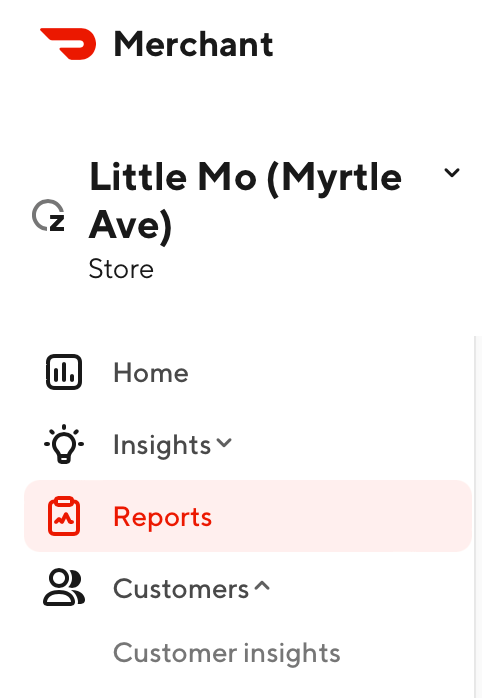
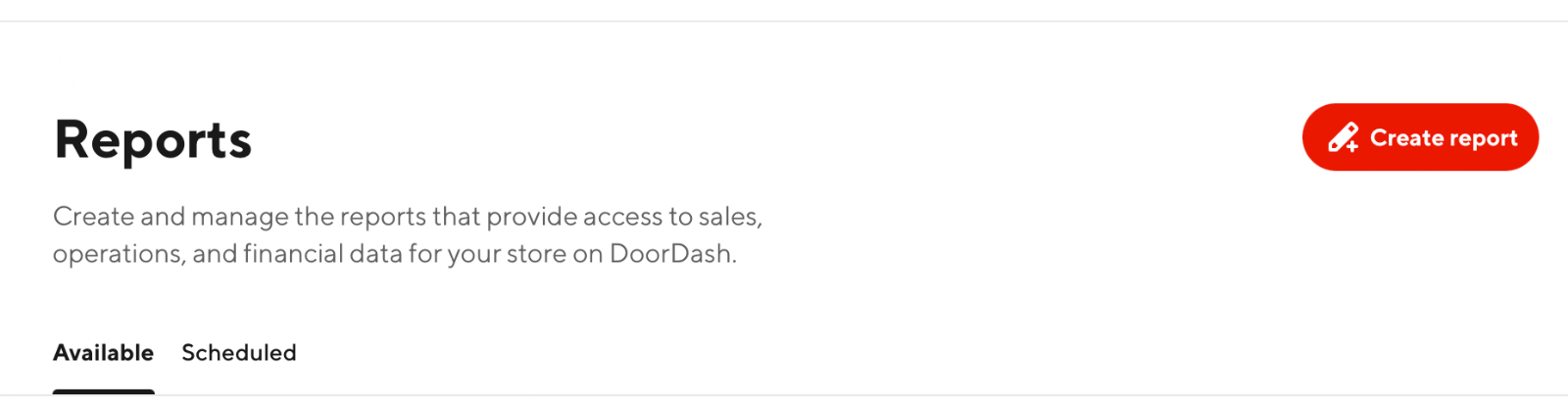
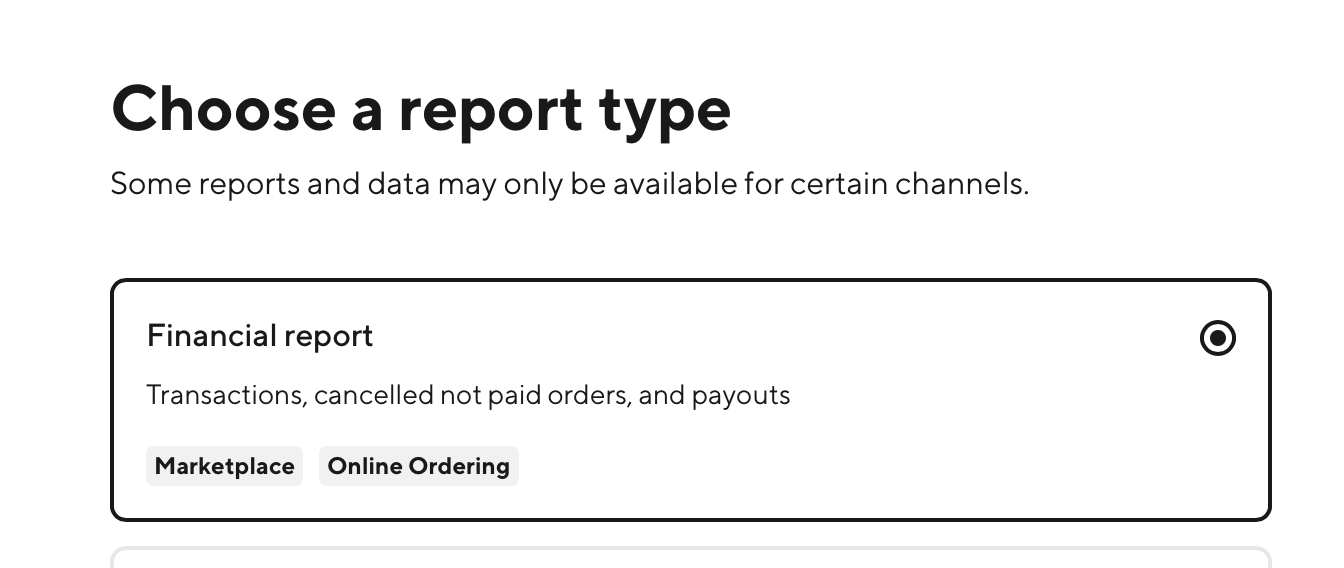
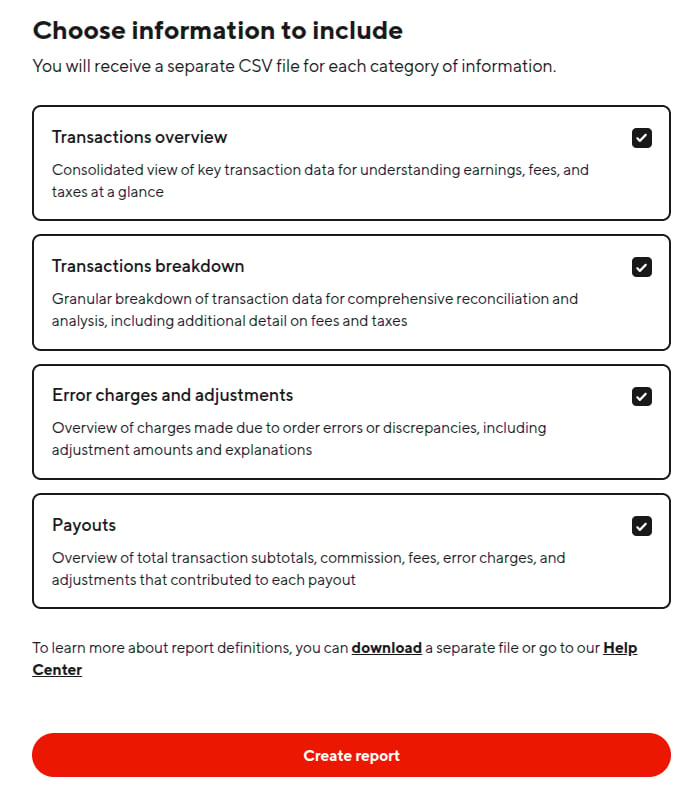
IMPORTANT: If you want your exported report to match the PDF monthly statement, choose the date range for the full month (i.e. March 1-March 31).Afterwards, you only need to make sure the Payouts and Transactions breakdown are selected (We recommend the default!):
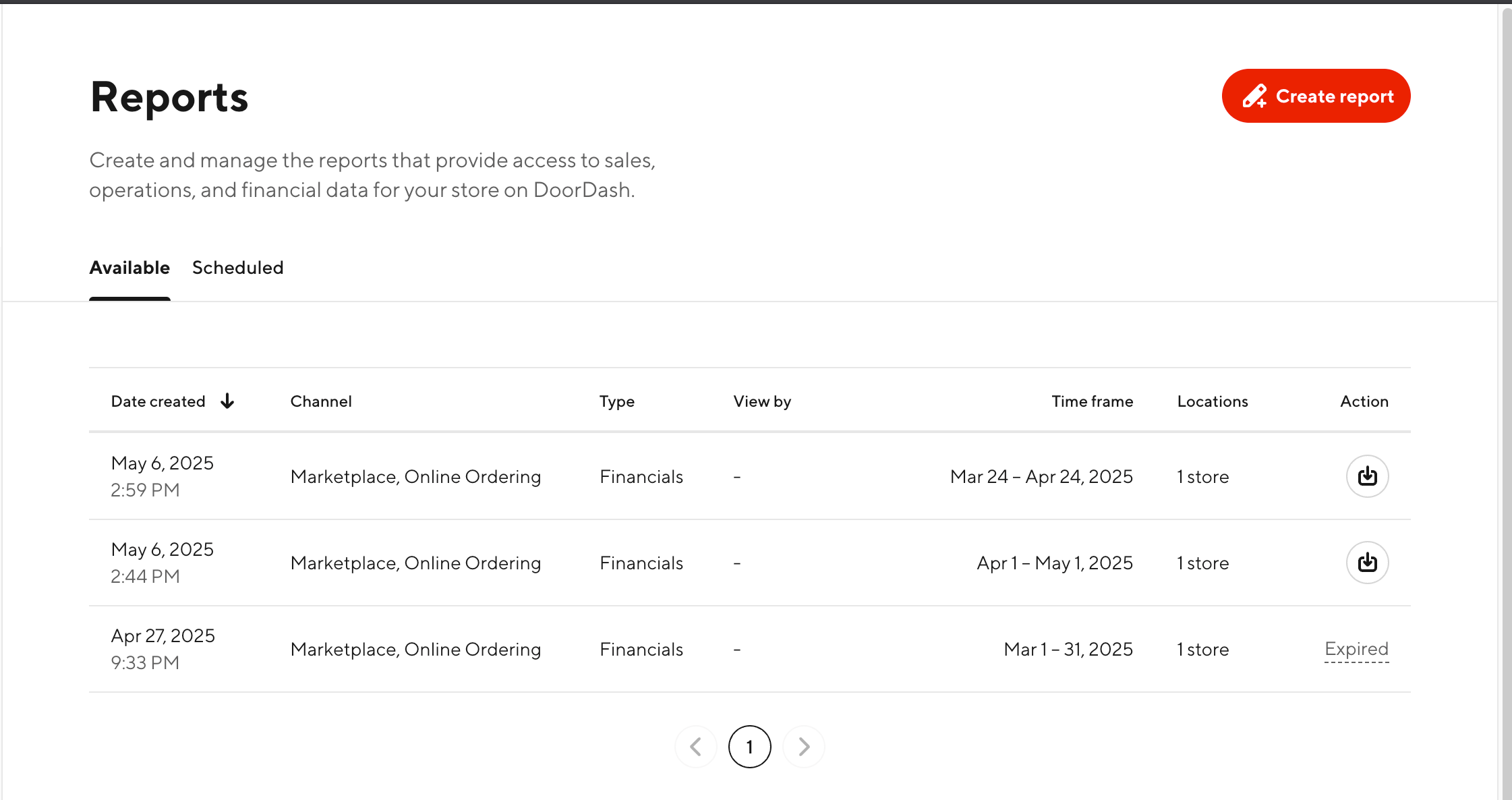
If you have multiple locations, note which reports correspond to which store. Unlike any other delivery platform, DoorDash only displays the number of stores instead of the store names. We highly recommend that you rename the.zipwhen you download it! You can verify the location by extracting thezipfile and viewing the.csv.
Uploading the Report
Just upload the full.zip file! Do not upload just the .csv!!