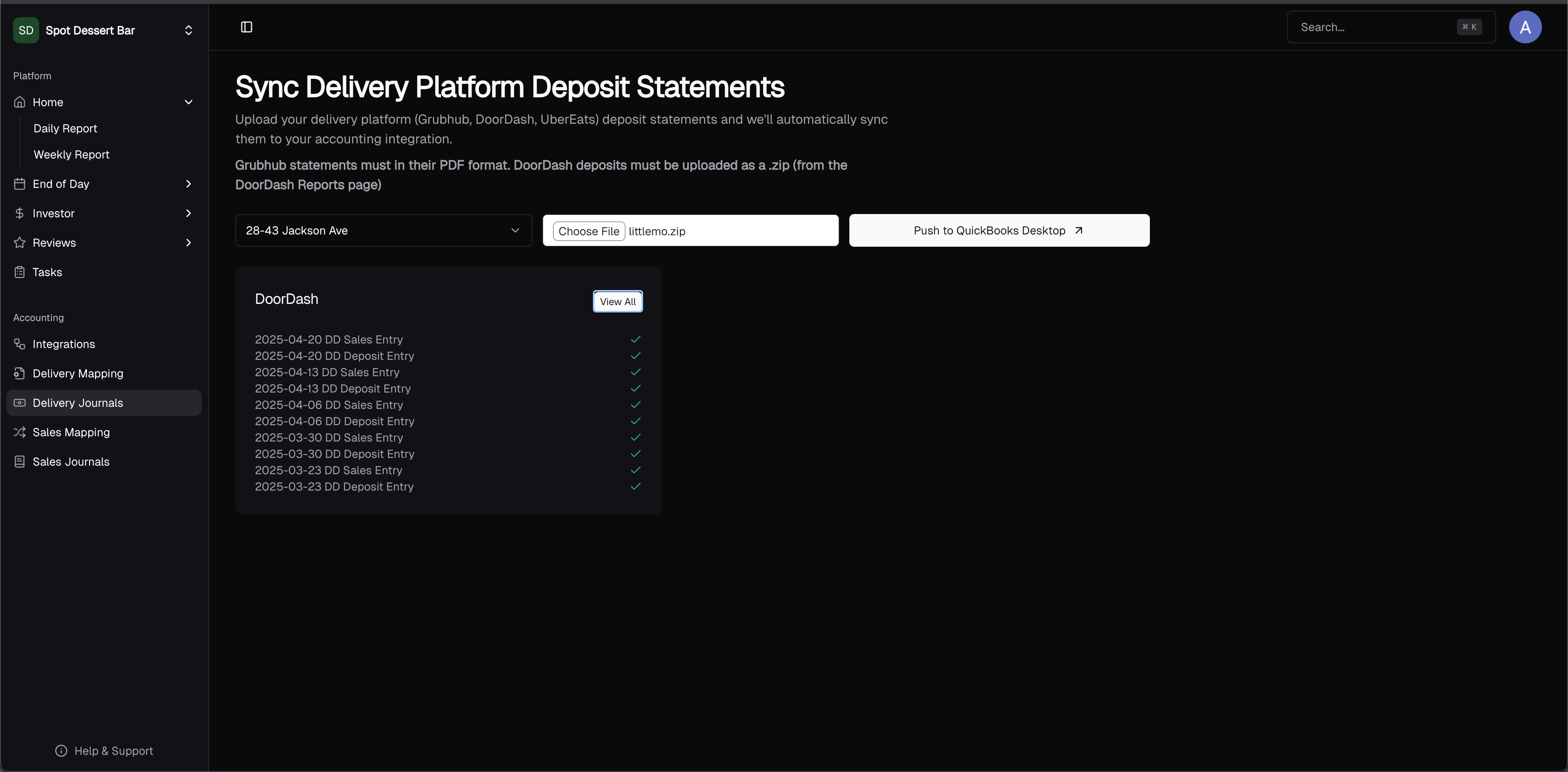
What are Delivery Journals?
When doing delivery platform reconciliation, you must:- Check that your delivery sales are correct.
- Check that your delivery statement payout amounts are correct (sale + tax + tips - fees - errors + adjustments).
- Check that your delivery platform payouts match the expected payout amount.
- Delivery Sales Journal Entry
- Delivery Deposits Journal
Sync Your First Journal Entries with Accounting System
Set Up Delivery Mapping
You must first ensure that all journal lines have a corresponding accounting system account mapped. Contact support for one of us to set it up for you!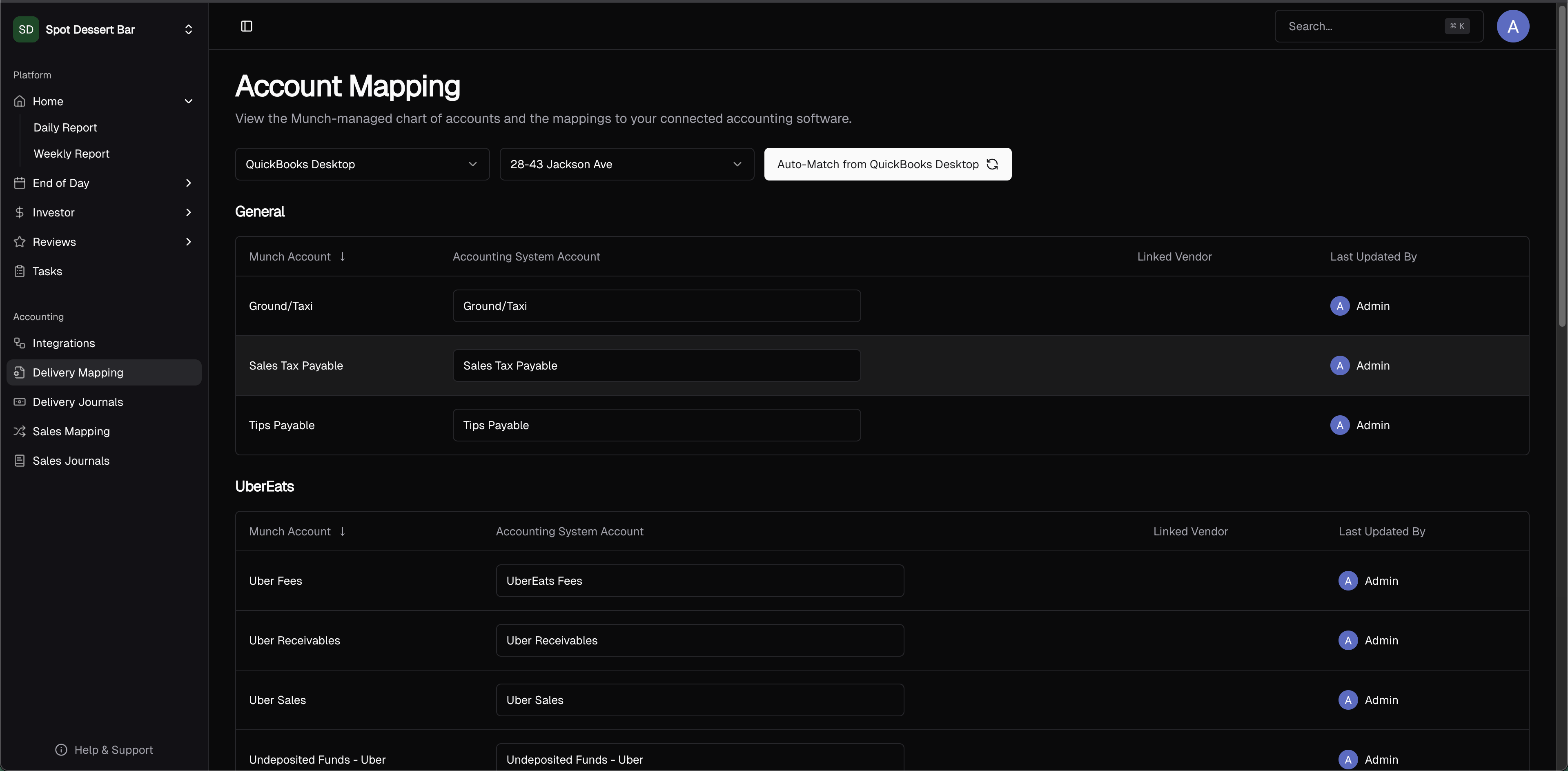
Upload Delivery Platform Statement
Each delivery platform differs, but the flow is:- Download the CSV/spreadsheet report from your delivery platform.
- Click to upload (or drag and drop) your report for the selected location.
- Double check that all entries are balanced.
- Push to your accounting software (i.e. QuickBooks Desktop).