

Order Guides — what stores can order
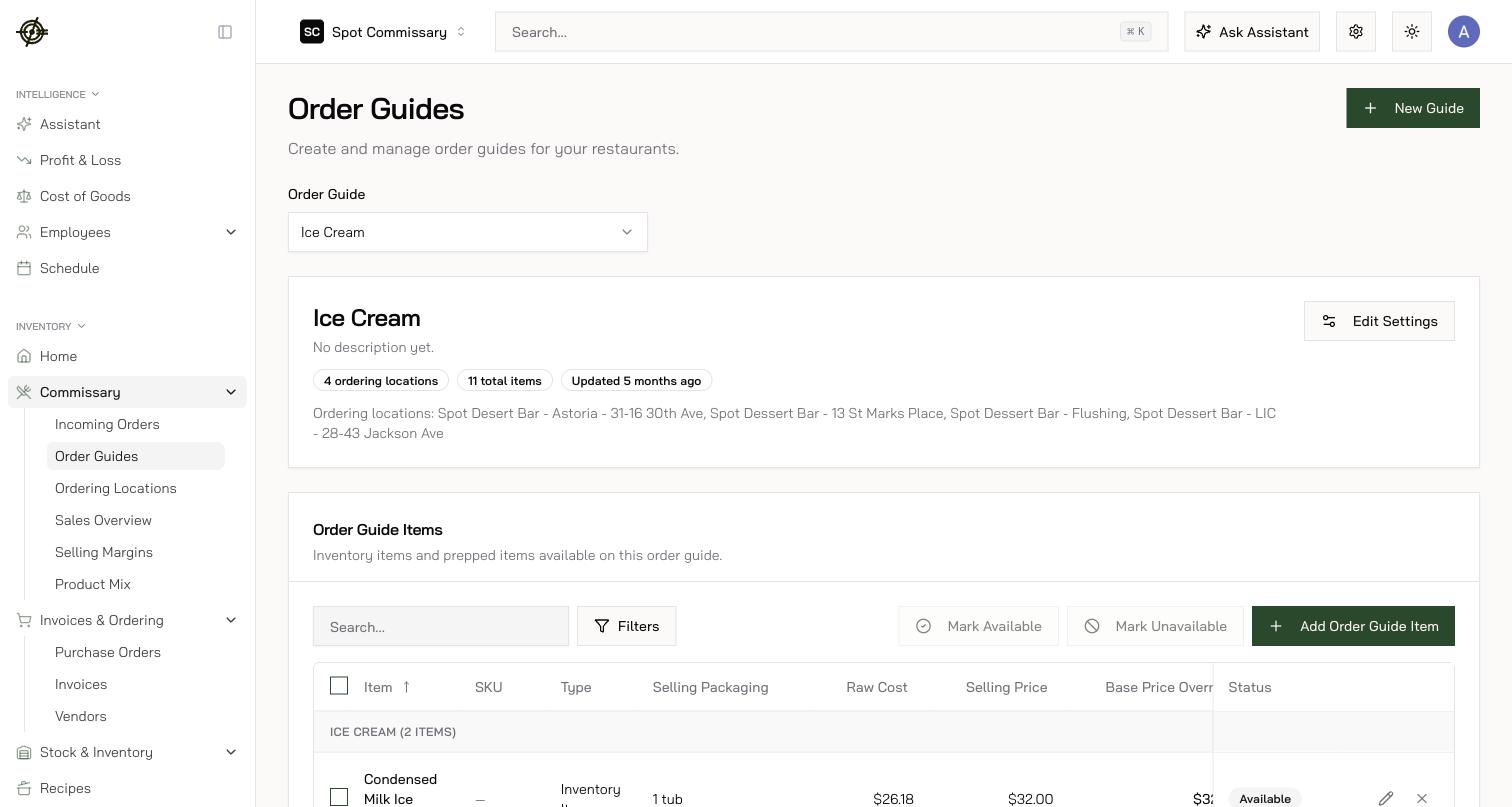
Commissary → Order Guides is the catalog you expose to stores. Each order guide item carries the product, its selling packaging (separate from how you count it), a SKU (uniqueness-checked, shown on POs and invoices), and the price stores pay.- Pricing, two ways: a fixed override price, or cost-plus-markup that moves with your real cost. Pricing lives on the guide item, so the same product can sell at different prices to different locations.
- Orderability is explicit: every guide item shows whether it can actually be ordered, with named blockers (missing price, missing unit conversion…), and the Only items with issues filter pulls every blocked item into one list. If stores report something missing from ordering, check here first.
- Keep pack sizes accurate — stores see the pack (and batches per pack) while ordering. Categories, search, and duplicate detection keep a big guide manageable.
- Click any guide item for its detail page — who orders it, how much, order history, and its food-cost trend.
Ordering Locations — who can order
Commissary → Ordering Locations controls which store locations may order from each commissary location — each with its own order guides, delivery days, and an optional Flat Delivery Fee added as a line item on delivery orders (pickup orders carry no fee). A new store can’t order until it’s added here.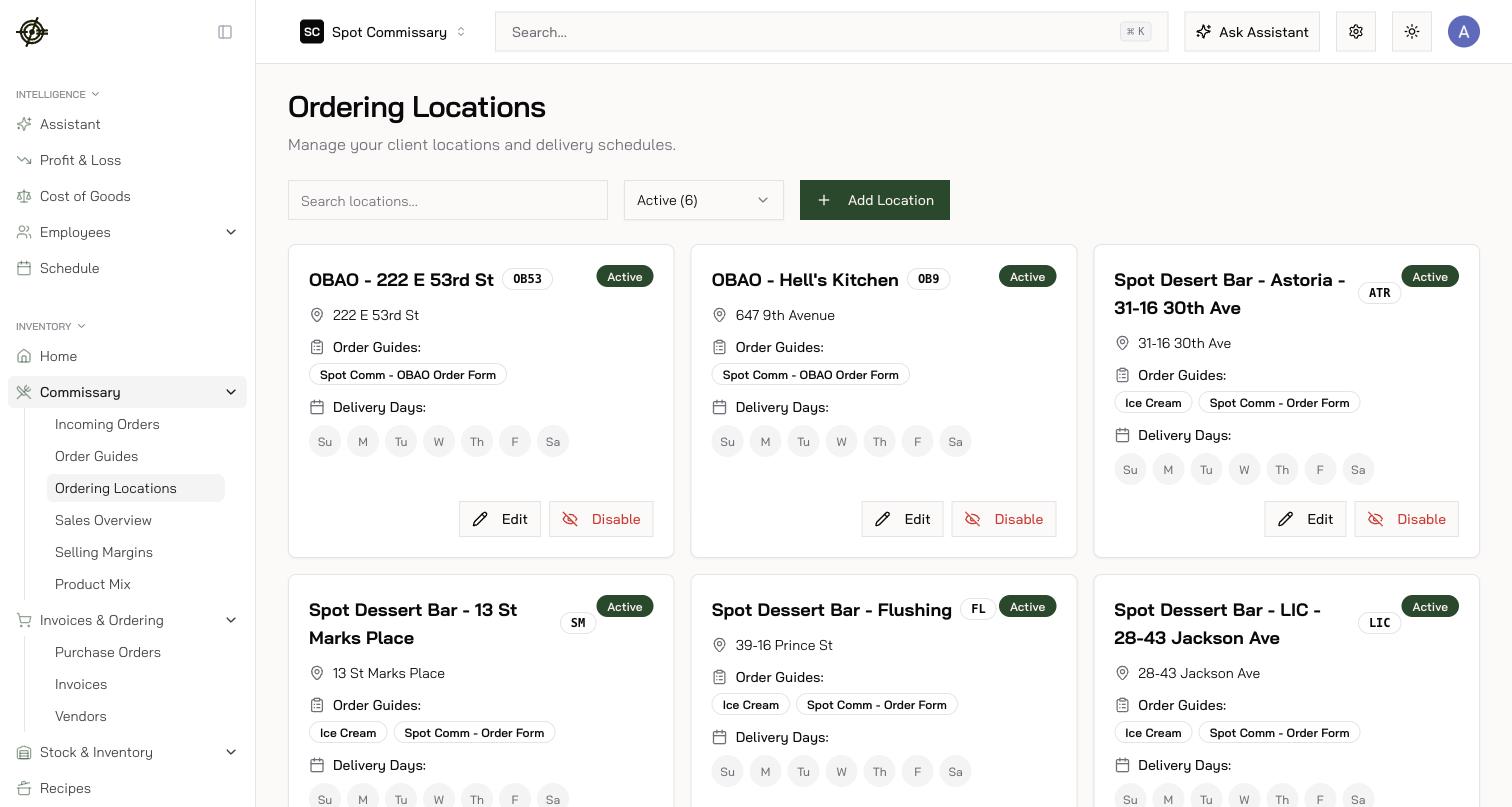
Sales Overview, Selling Margins & Product Mix — what’s moving
- Commissary → Sales Overview — what you billed stores over time.
- Commissary → Selling Margins — every guide item ranked by how far the margin it earns sits below your target, with the cause named (fixed price while cost moved, markup below the guide default) and a price simulator that shows the store-side impact before you commit.
- Commissary → Product Mix — volume by product across stores: your demand signal for production planning.