

Set up
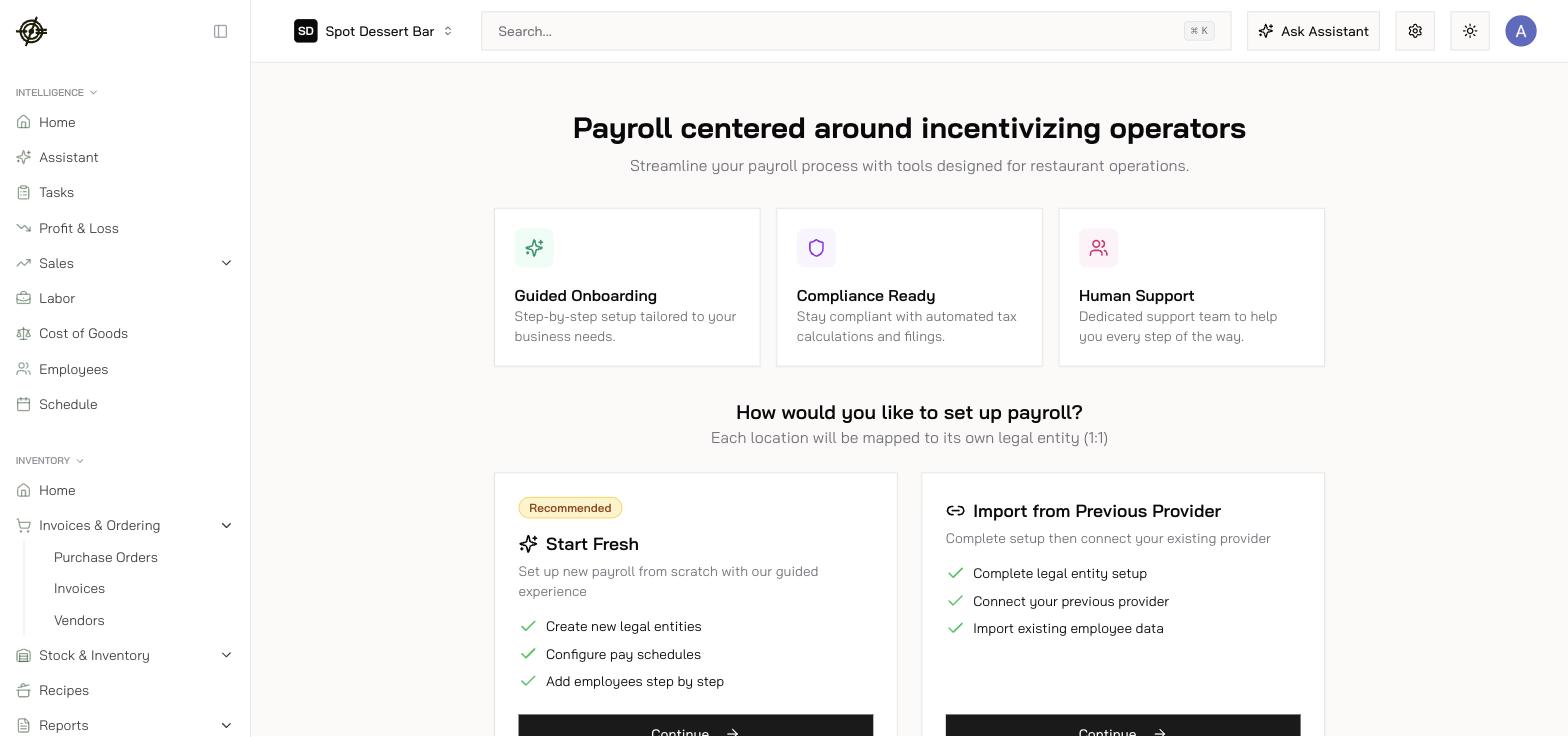
- Go to Payroll → Onboarding and select the location.
- Choose your path:
- Start Fresh — guided setup from scratch.
- Import from Previous Provider — finish entity setup, authorize secure access to your old provider, and review what Garde imports.
- Confirm the legal entity: legal name, state tax withholding mode, authorized signer.
- Repeat per location until you see All locations set up!
After onboarding
Finish the Getting Started checklist on Payroll → Home, then wire the connections:- Employees / Contractors — profiles, earning rates, withholding, benefits, PTO, documents, paystubs.
- Departments, Payroll Employee Mappings, Job Mappings — connect POS jobs to payroll so hours flow automatically.
- Accounting Mapping — payroll journals to the right accounts.
- PTO Policy — accrual rules.