Who: the payroll admin. When: every pay period.

The regular run

Payroll → Home is the cockpit: Payroll Home
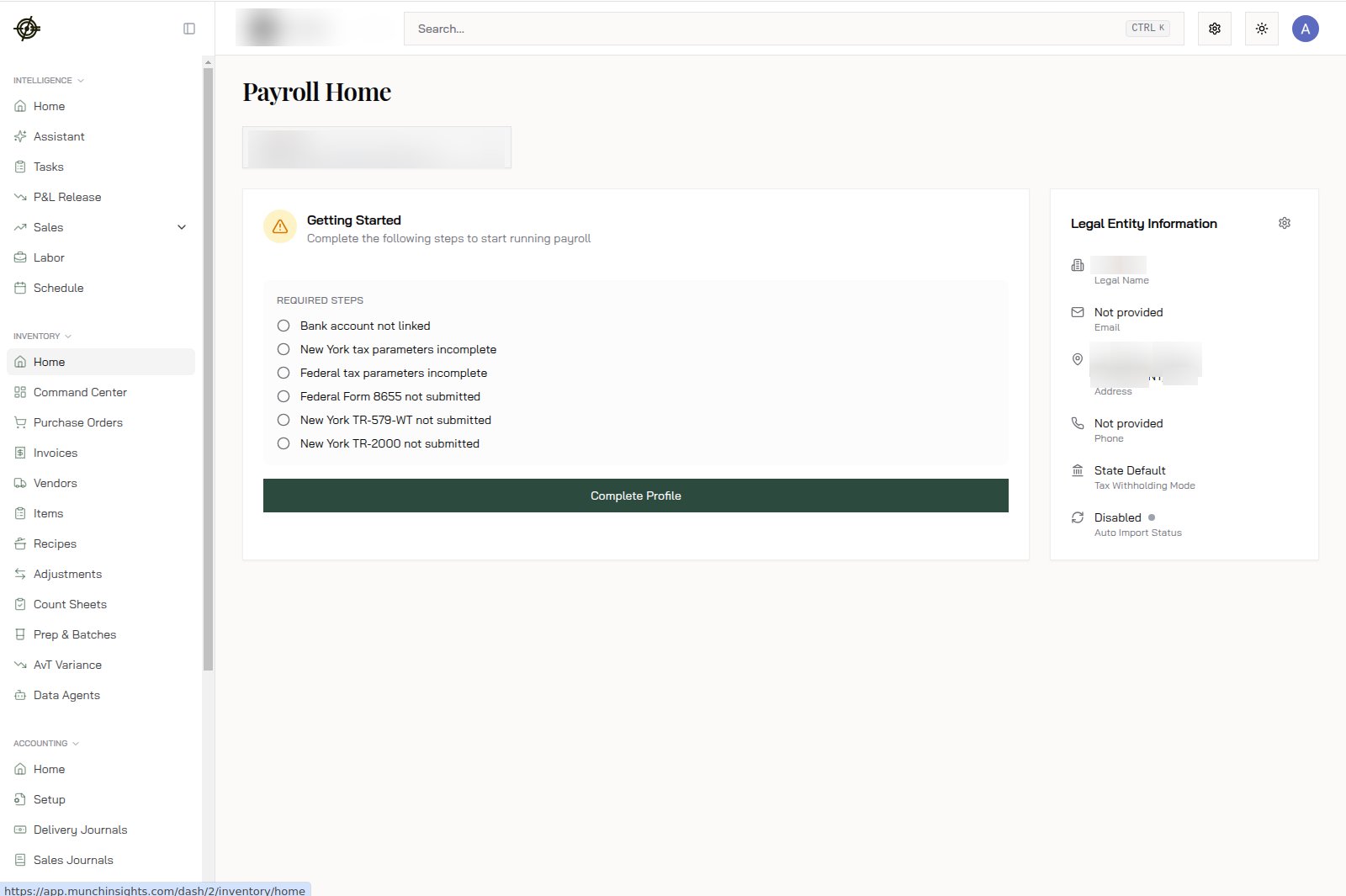
  • Upcoming Payrolls shows each run with pay period, pay date, and — most importantly — the Approval Deadline. Press Run Payroll to review and approve.
  • Pay Schedules shows each group’s frequency and next pay date; View Calendar lays out the year.
  • Actions Needed surfaces anything blocking a clean run. Clear it before deadline day.

Off-cycle runs

Bonus, correction, one-time payment? Run Off-Cycle Payroll creates a run outside the regular calendar.

After each run

Recent Payrolls keeps the paper trail — open any run for gross wages, employee/employer taxes by type, net pay, and Total Payroll Cost; download the Journal, Summary, or Register. Payroll → Tax Center holds filings and documents.
Miss an approval deadline and pay dates slip. Put the deadline in your calendar, not the pay date.