

Work the queue
Commissary → Incoming Orders lists every store order with PO number, store, and status — tabs run Pending → Needs Delivery/Pick Up → Fulfilled, with Denied and Cancelled alongside, and an Export column tracking the accounting trail.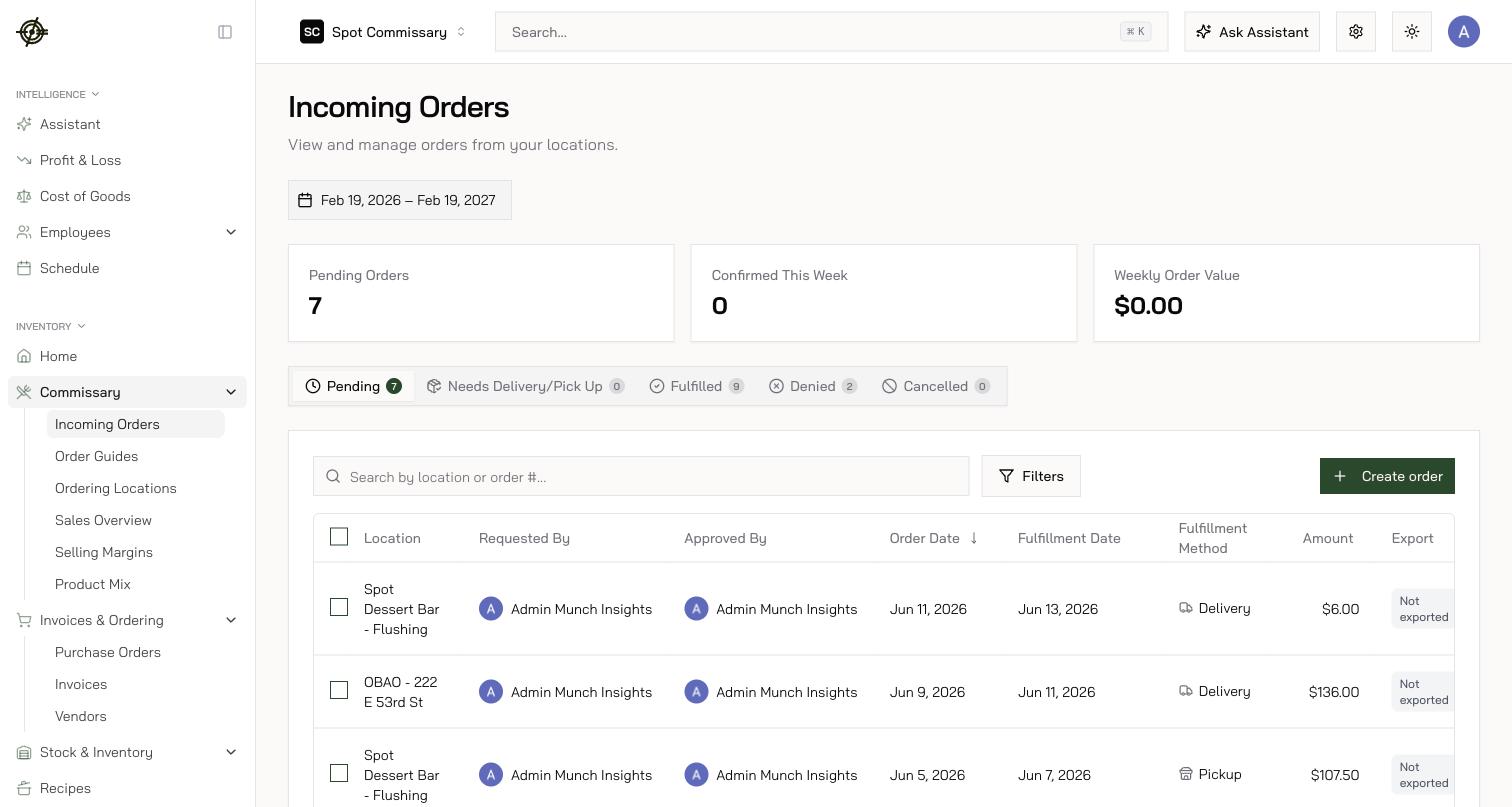
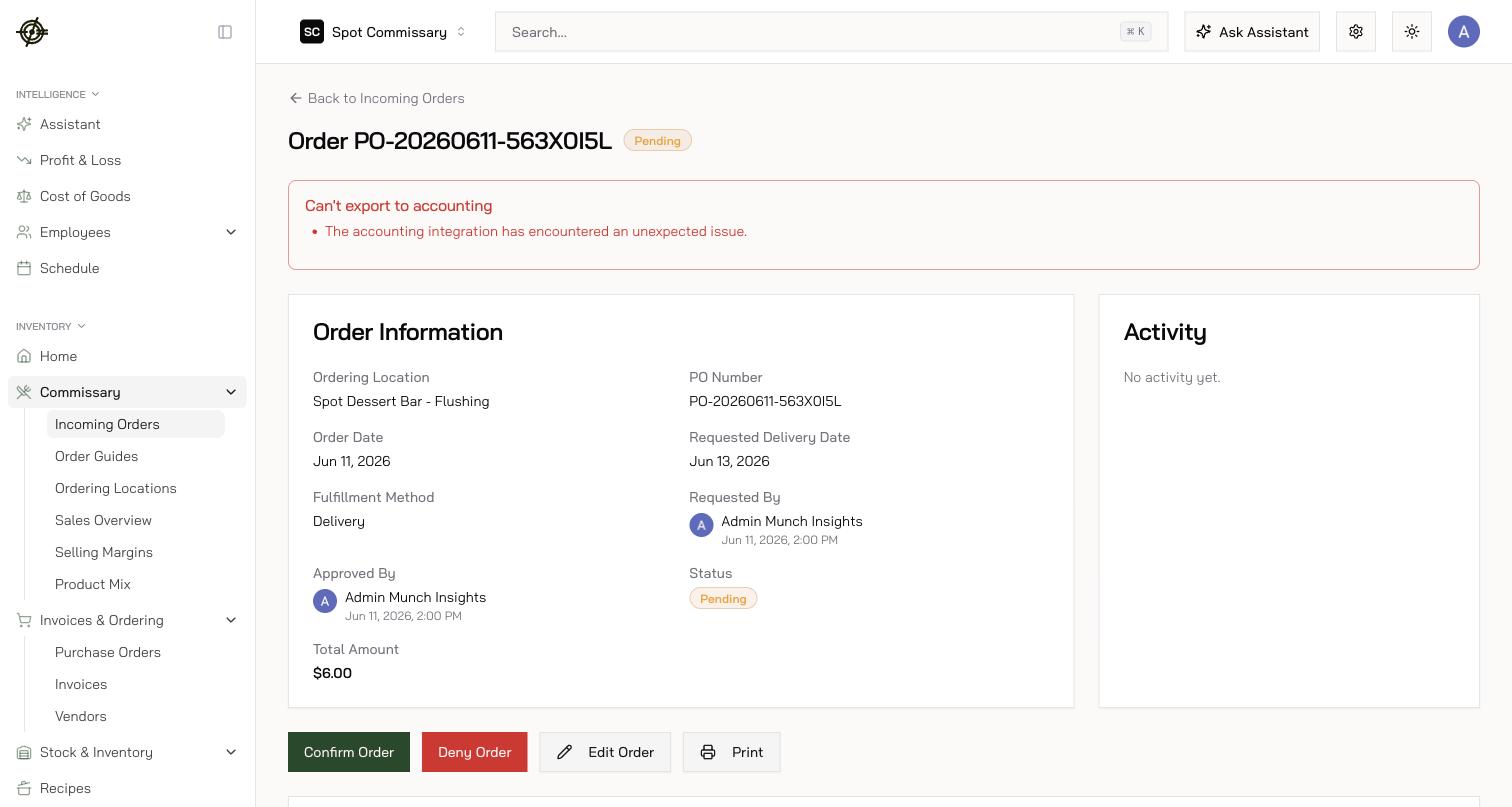
- Open an order to review lines and quantities — problem orders are flagged (unresolved issues detected). You can edit quantities, remove lines, or add items the store forgot before confirming.
- Check each line’s In Stock and After Confirm columns — Garde warns when confirming would push stock negative, and draws stock down on the actual delivery or pickup date, not the moment you confirm.
- Confirm what you’ll fulfill — multi-select works. Once confirmed, the store can no longer edit the order.
- Deny what you can’t fulfill — a reason is required, and the store sees it.
- After fulfillment, export the outgoing invoice straight from the confirmed order — priced off the order guide’s selling price, it becomes the store’s bill. When an order can’t export, the banner names the blocker.
Two shortcuts worth knowing
- Combine orders for the same date — when a store has more than one order for the same delivery or pickup date, Garde suggests merging them at confirm time, so picking, delivery, and invoicing happen once.
- Order on behalf of a location — Create order raises a one-off order for a store; it lands in Pending for you to confirm, and the store’s usual orderers are emailed automatically.