

Connected Data
Settings → Connected Data plugs Garde into your other systems: your POS connection — Toast, Square, or Chowbus (see POS integrations) — and QuickBooks Online or Desktop per location (see Accounting integrations). The dashboard itself runs in five languages — English, Chinese, Spanish, Korean, Thai — each person picks theirs under Settings → Account.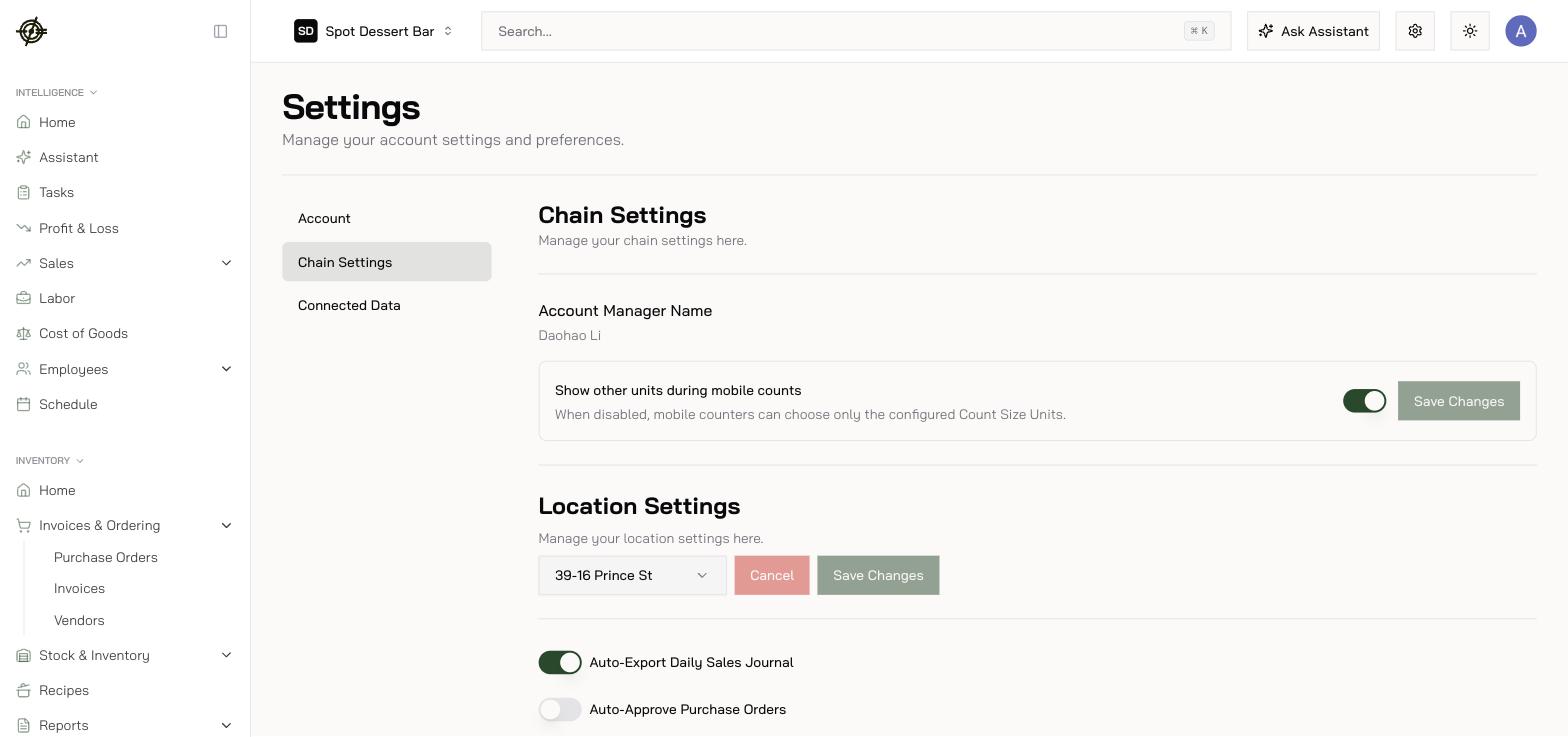
Chain Settings worth knowing
- Show other units during mobile counts — off means counters can only use configured count sizes: tighter, fewer unit mistakes.
- Auto-Approve Purchase Orders — per location; skips manager approval. Only where you trust every orderer.
- Auto-Export Daily Sales Journal — per location; pushes sales journals automatically so your accountant only touches exceptions.
- Invoice Email — your bill-pay inbox prefix; vendors email invoices straight into the scan queue.
- Prime Cost Insight Targets — Labor % and COGS % targets that grade P&L releases and inform Mise.
- Break Compliance Settings — one-click New York preset or custom break rules; drives the compliance KPIs on Home and Labor.
- Payroll Tax/Fees overrides — per-location employer tax rate or fixed monthly amount for labor analytics.