

Where
Inventory → Reports → Data Agents. Tabs: Inventory Items, Vendor Items, Vendors, Estimates.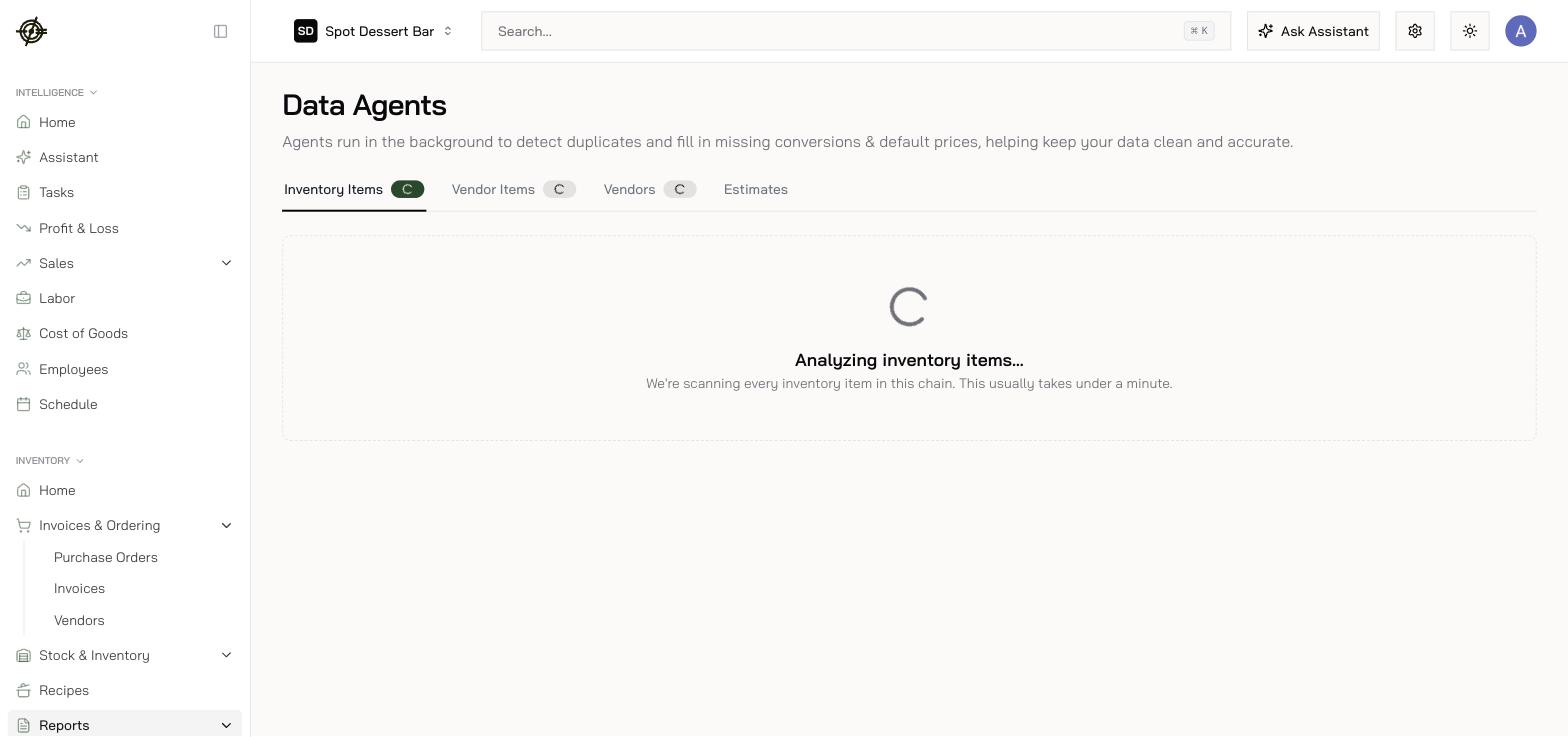
Duplicates
The first three tabs are review queues of likely duplicate groups (the Inventory Items tab shows recipe and vendor-item counts to judge by):- Merge — pick the keeper; associated records move to it, the rest are deleted. Cannot be undone.
- Ignore — tells the agent the pair is genuinely different; it stops asking.
Estimates
The Estimates tab reviews what the AI filled in:- Default Prices — for items with no purchase history. Saving a manual value drops the row from the AI queue.
- Unit Conversions — override with a manual quantity or remove.
- Vendor Conversions — open the linked item to enter an exact conversion, or remove.