

Create a release
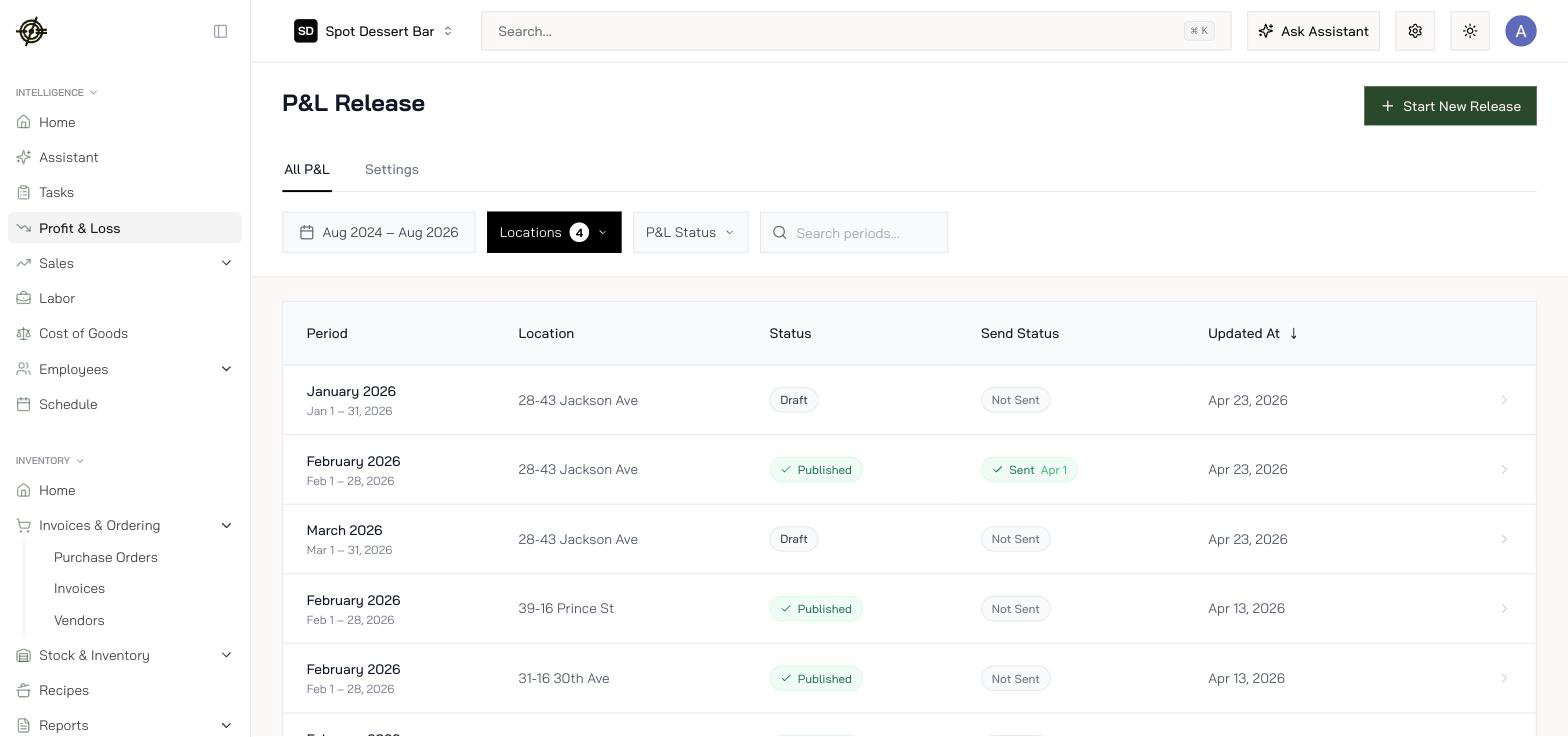
- Go to Profit & Loss, press Start New Release.
- Select locations, answer How often do you close your books?, pick the period.
- Generate P&L. Generation runs in the background; the page refreshes as releases land.
Read a release
- P&L Dashboard — headline revenue, prime cost, and margins against targets.
- Detailed View — the full line-item statement.
- Settings — per-release adjustments, plus section settings so the statement reads the way you read it.
Share it
A release is made to be sent: publish the period and send it to recipients — partners, investors, your GM — with a log of every send. If upstream numbers change later, press Sync Data to resync the release; its sync status shows when it’s stale.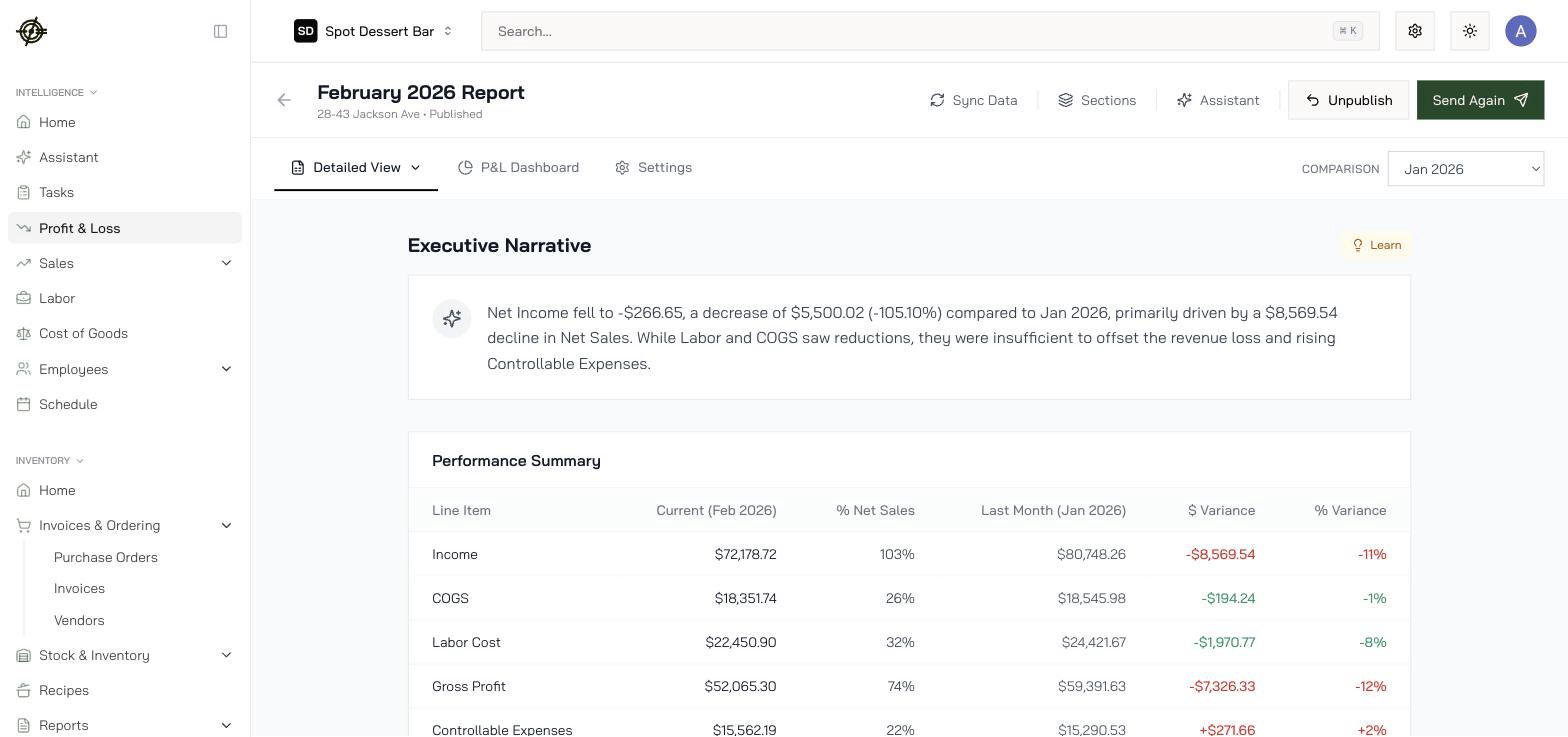
The Prime Cost Insight Targets (Labor %, COGS %) a release grades against are set in Settings → Chain Settings — set them once so every release and Mise speak the same language. See Chain settings.